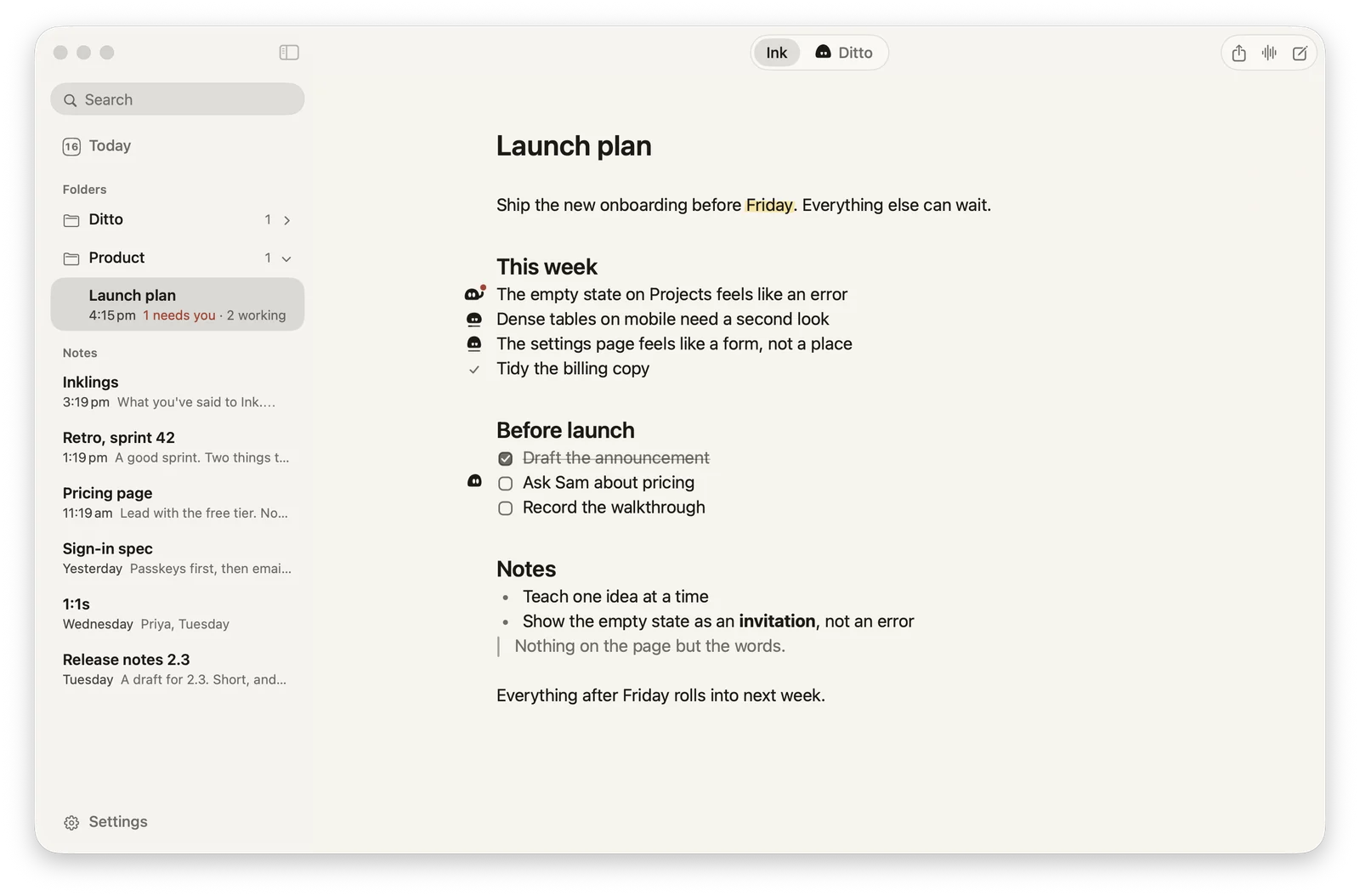
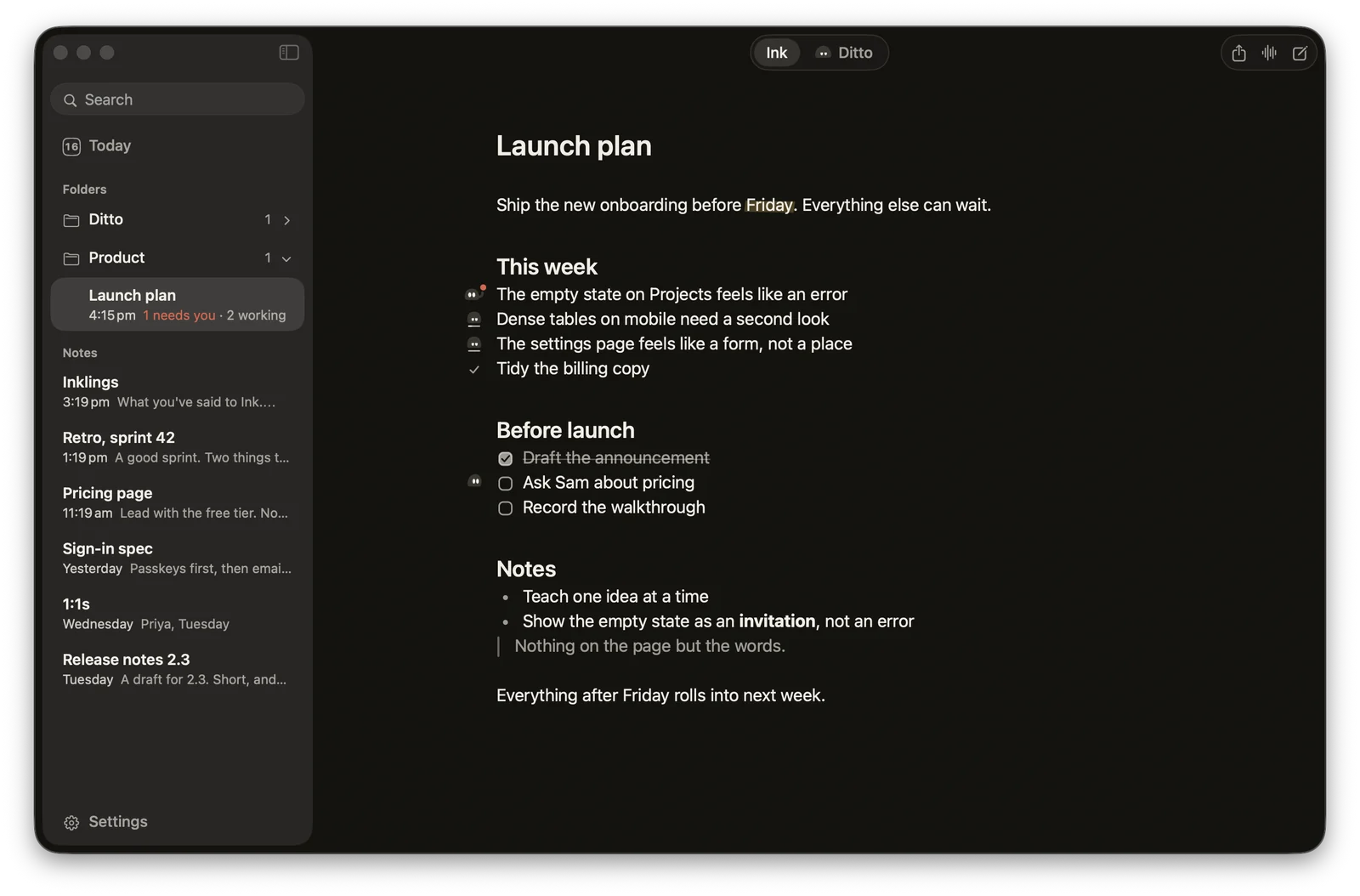
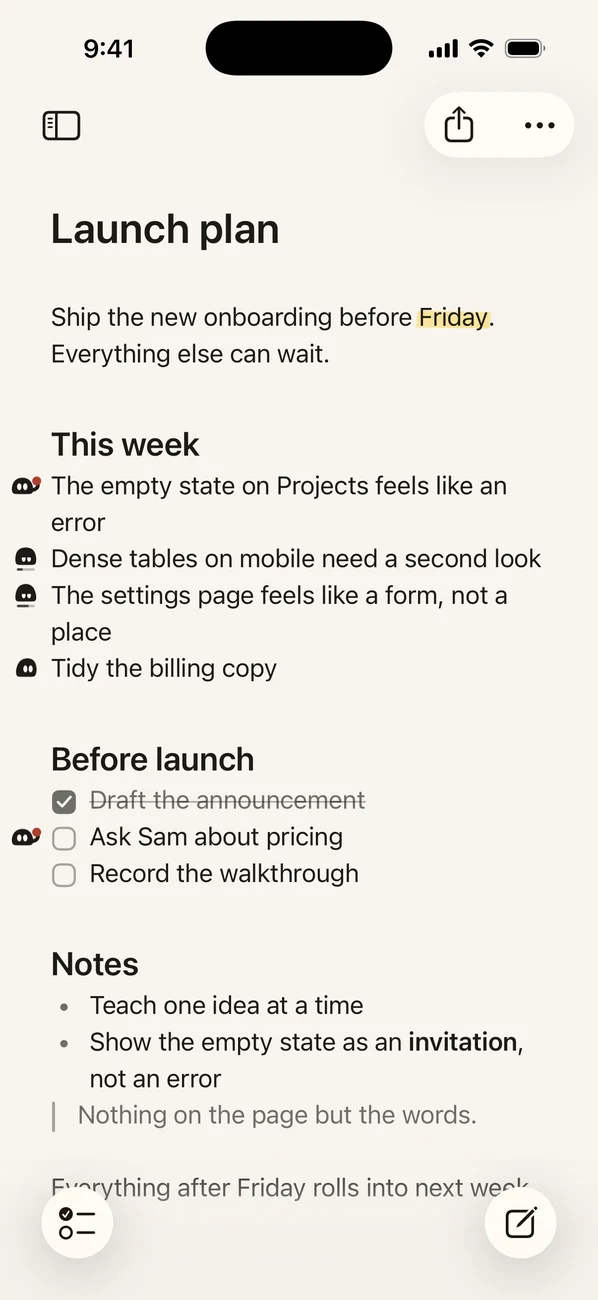
Calm Markdown notes for people who build products. Hand Ditto a line, and Claude Code does the work in your project, on a branch of its own. It’s checked against your taste before you see it, and you decide once. Coming soon.
Ink is for
the bug you’d otherwise forget,
the spec that isn’t ready yet,
the papercut nobody’s filed.
Ditto is for
the one you’ll never get to.
It takes the line, does the work,
checks it, and asks you once.
Ink & Ditto. Made by Ash Bronca in Australia.
Your notes know what you decided.
The small things you’ve already decided die between your notes and your project.
The list that never shrinks.
Papercuts, follow-ups and “we should” lines. Agreed, written down, and saved for a quieter week that never comes.
Every hand-off starts from scratch.
The decision is already in your note. You type it again into a prompt, a ticket or a thread, and the context stays behind.
The review lands on you.
Agents make work faster to produce, not faster to trust. It comes back as a diff with no trail, and you check every line.
Notes apps hold the thinking. Agents and work tools do the work, from a blank prompt or a filed ticket.
Nothing starts from the line where you decided, and nothing comes back for one calm decision, in your taste. Ink & Ditto closes that gap.
Hand Ditto the line. Make one call.
Ditto carries the line across: into your project with Claude Code, checked against your taste, and back to you for one decision.
Watch one line.
Ditto takes it to Claude Code, checks it, and brings it back for your call.
This week
The empty state on Projects feels like an error⌘↩Ditto read your line and briefed a builder.Builder is making the change…Builder is running your tests…Critic is checking it against your taste…Ready for your call.Committed to ditto/projects-empty-state. See it againDiscarded. Nothing was merged. See it againAsked for changes. Ditto goes again with your note.
Dense tables on mobile need a second look
Tidy the billing copy
Review
The empty state on Projects feels like an error
ProjectsEmpty.tsx · +5 −2
<p>No projects found.</p><h2>Your first project</h2><Button>New project</Button>
Your tests pass
Reads as an invitation, not an error
One action, as you like it
Ship It ⌘↩Ask for Changes… ⌘RDiscard
1
Write a line.
The line you wrote is the brief. Ditto reads it with the lines around it, so there’s no prompt to write and no ticket to file.
2
Press ⌘↩.
A builder does the work with Claude Code on your Mac, in your project on a branch of its own, and runs your tests. A critic, who never sees the builder’s reasoning, checks it against your taste before you see it. A line that isn’t code becomes a draft, if you say so.
3
Make one call.
Ship It, Ask for Changes or Discard, with what changed and what was checked. Every call teaches it your taste.
From the moment you press ⌘↩, Ditto sits in the margin beside the line, and its motion shows where the work is: listening, working, your move. The note remembers what became of it.
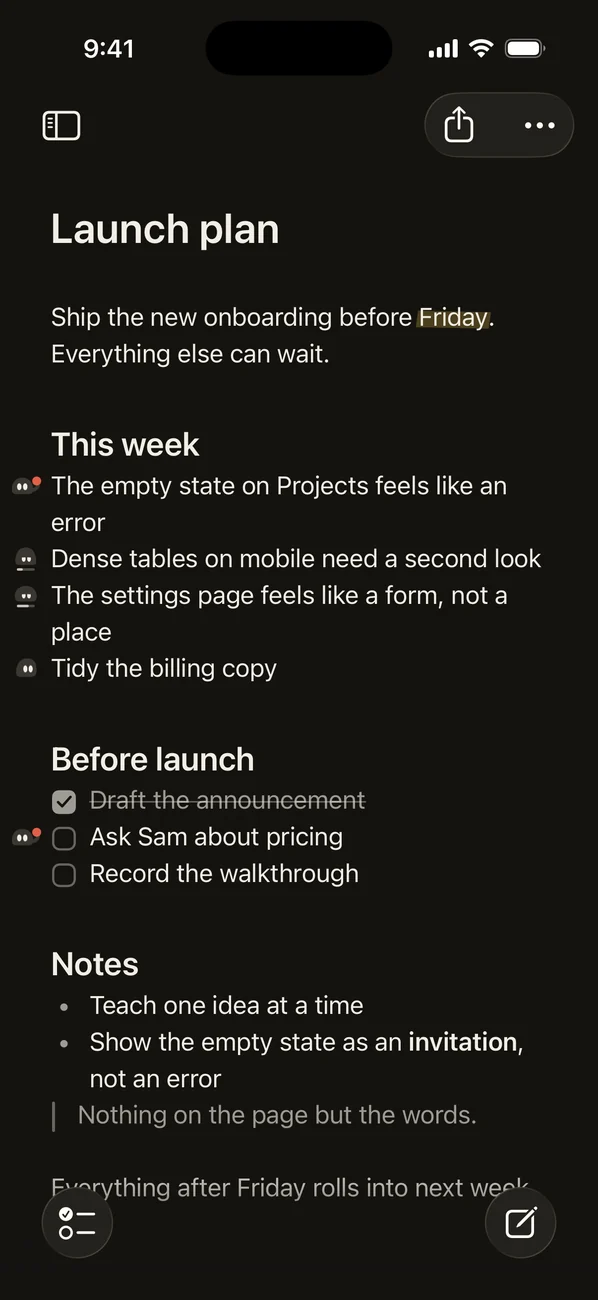
On iPhone, hand Ditto a line, follow the work and make the call from anywhere.
For people who build products.
Product engineers, and the technical product managers who work beside them.
Product engineers
Keep your head in the hard problem.
Hand Ditto the papercuts. Each one comes back as a change on its own branch, with your tests run and checked against your taste. You stay on the work only you can do.
Retry the billing webhook, five tries at mostReady on ditto/webhook-retry · 2 files · Tests pass
Needs: a project in git and Claude Code on your Mac.
Technical product managers
Stop waiting weeks for a small fix.
Write what should change where you decided it. Make the call, and it’s a branch an engineer can merge in a minute. Ditto never merges or messages anyone, so you stay inside your team’s rules.
Without Ditto, Ink is simply a calm notes app. Every note is a plain Markdown file, in step on your Mac and iPhone, with nothing on the page but your words. Typing never waits on Ditto.
Writing that feels like paper.
Plain Markdown, and nothing on the page but your words.
Pricing page
Lead with the free tier. Nobody reads the table.
Open question: should annual be the default, or do we wait for the data?
Checklists.
Tick it, and it’s crossed off in one stroke.
Before Friday’s release
Write the release notes
Check the empty states
Update the changelog
Tell support what changed
Links that follow a rename.
Change a title, and every link to it changes too.
Auth specSign-in
Passkeys first, then email links
Roadmap
Next: [[Auth spec]][[Sign-in]]
Updated 1 link to “Sign-in” ·Undo
Files, scans and PDFs, in your notes.
Search reads them too, even the words in a photo.
RETRO · SPRINT 42
Smaller PRskeep
Webhook retriesfix
Pair on Fridaystry
OwnersSam, Priya
webhook
Retro, sprint 42In a picture: Webhook retries
Locked notes.
Face ID or Touch ID opens them. Only the title shows.
Candidate debriefs
Strong on systems design, quieter on product sense. A hire, if the panel agrees on Thursday. References are with Sam.
Strong on systems design, quieter on product sense. A hire, if the panel agrees on Thursday. References are with Sam.
Locked
Tags, nested.
Write #product/billing/invoices, and the sidebar files it.
Invoices show the wrong tax line #product/billing/invoices
#product
#billing
#invoices3
#refunds1
#onboarding5
A note on your Home Screen.
Small, medium or large, and on the Lock Screen.
Today
PR review
Changelog
Standup
Bring your notes.
From Bear, Obsidian or Notes’ exported files, with their folders and pictures.
ArchitectureQueues before caches, always
Interview loopFour rounds, one take-home
Release notesA draft for 2.3
Imported 214 notes from Bear ·Undo
Mac and iPhone.
One way of working on both, in step through iCloud Drive.
Launch
Specs
1:1s
Launch
Changelog
Demo video
Pricing call
Launch
Changelog
Demo video
Pricing call
Questions.
Why not just use Claude Code?
Ditto runs on Claude Code. It adds what a terminal can’t: the brief is the line you already wrote, the work is checked against your taste before you see it, and you answer once. Your note remembers what became of every line.
Why not file a ticket for an agent?
Work tools can hand a ticket to an agent, but only what was filed as a ticket. Ditto starts from the line you already wrote, and comes back for one decision, in your taste.
Is my code safe?
Yes. Ditto works on its own branch, and never pushes, merges or messages anyone.
What do I need for Ditto?
A Mac with Claude Code, a Claude account and, for code, a project in git. On iPhone, you can hand Ditto a line and decide the work your Mac is doing.
What does it cost?
Ink is free. Ditto is free during early access; Claude Code runs on your own Claude account.
Can Ditto do more than code?
Today it builds software, can explore a few directions before it builds, and drafts anything else for you to send. Specs, tickets, research summaries and design checks are coming.
Do I need Ditto to use Ink?
No. Ink stands on its own, and Ditto stays out of sight until you connect it.